
Compress to KB, MB and pixel limits
Set a file-size target and pixel dimensions when needed.
 PhotographyFor iPhone and iPad
Your photos, exactly the size you need
Prepare a photo for a form, email or website. Choose a KB, MB or pixel limit and compare the result before saving. Photos are processed on your device and originals are preserved.
Take a closer look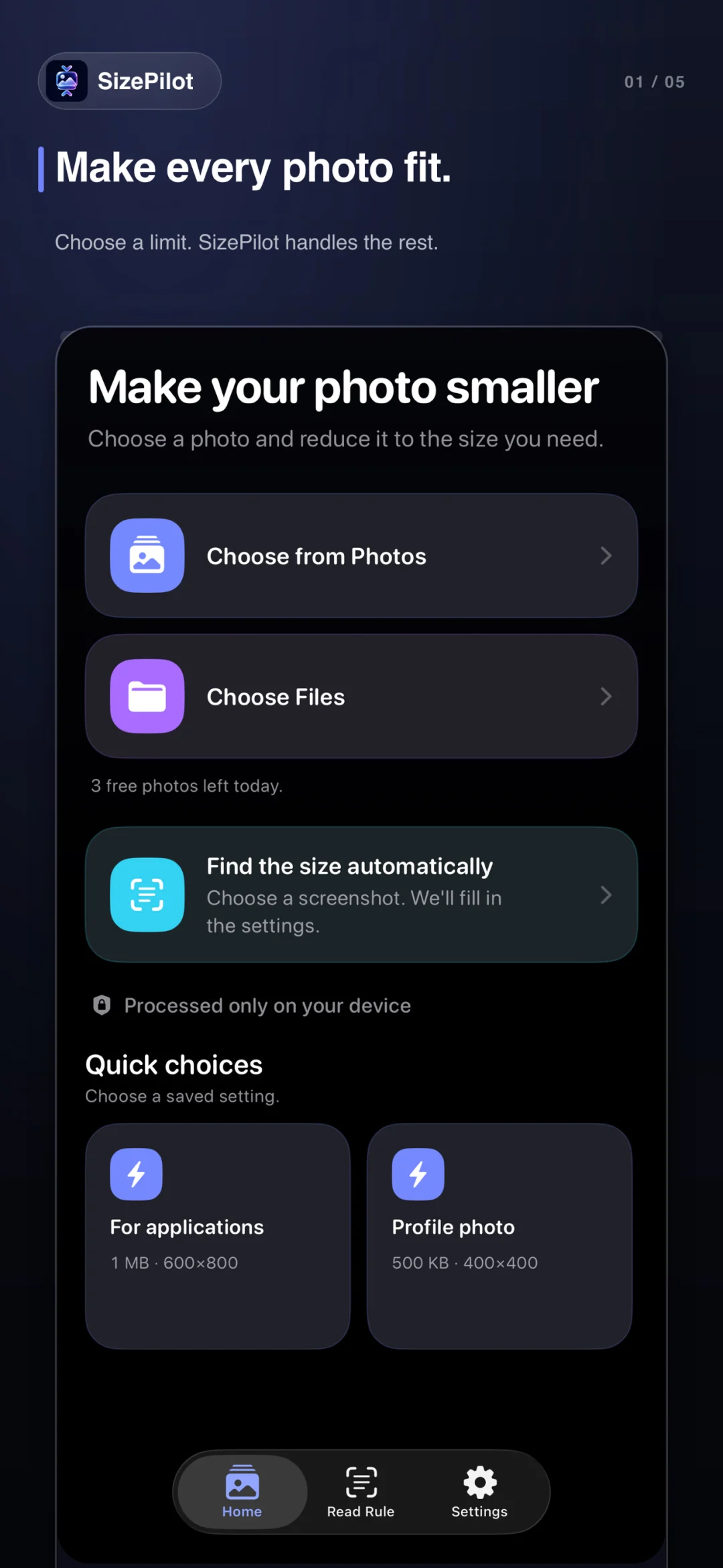
A form needs a smaller file. A website requires specific dimensions. Pick a target or read the upload rule, check the result, and save a new copy.
Set a file-size target and pixel dimensions when needed.
Turn requirements from a screenshot or pasted text into ready settings.
Compare the original with the compressed copy before choosing.
Save to Photos or Files, or share the new copy directly.
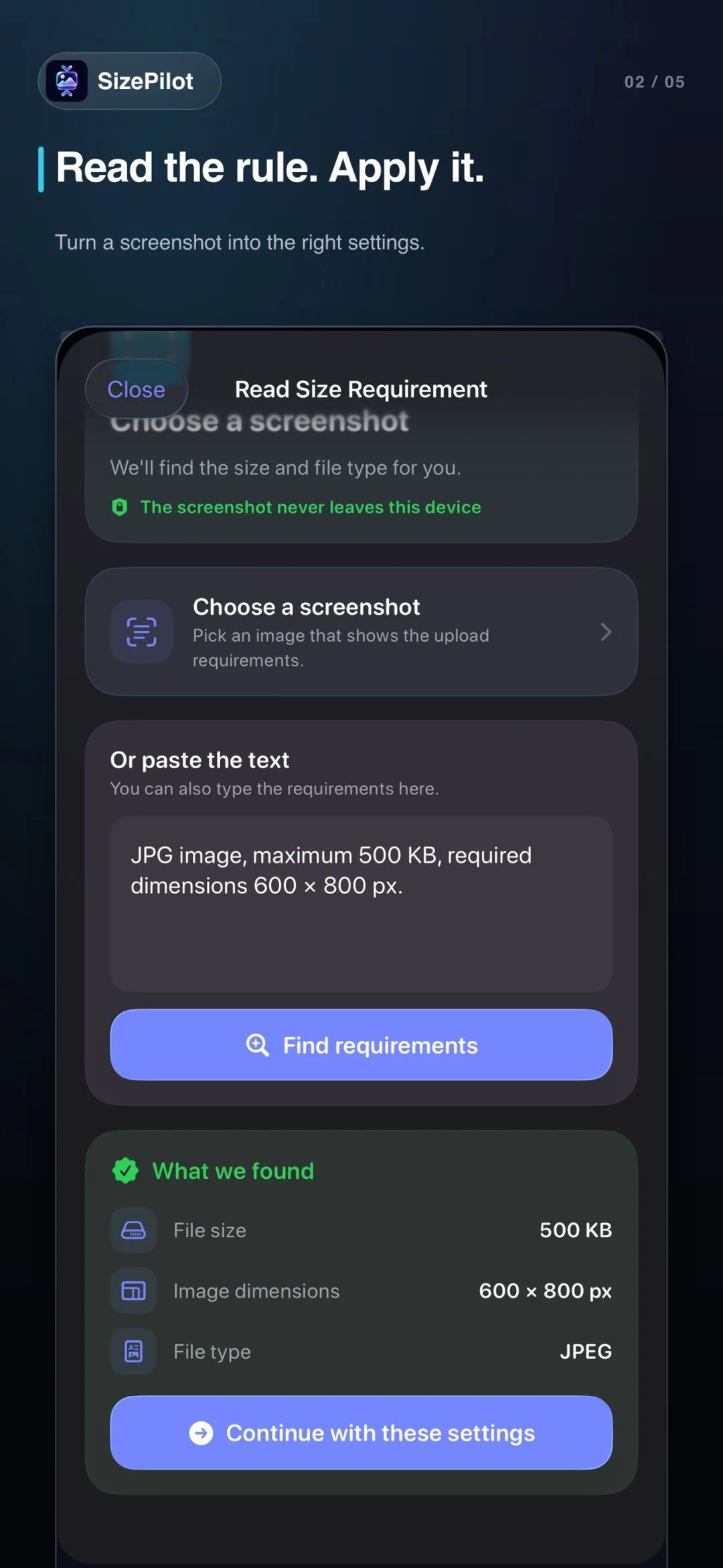
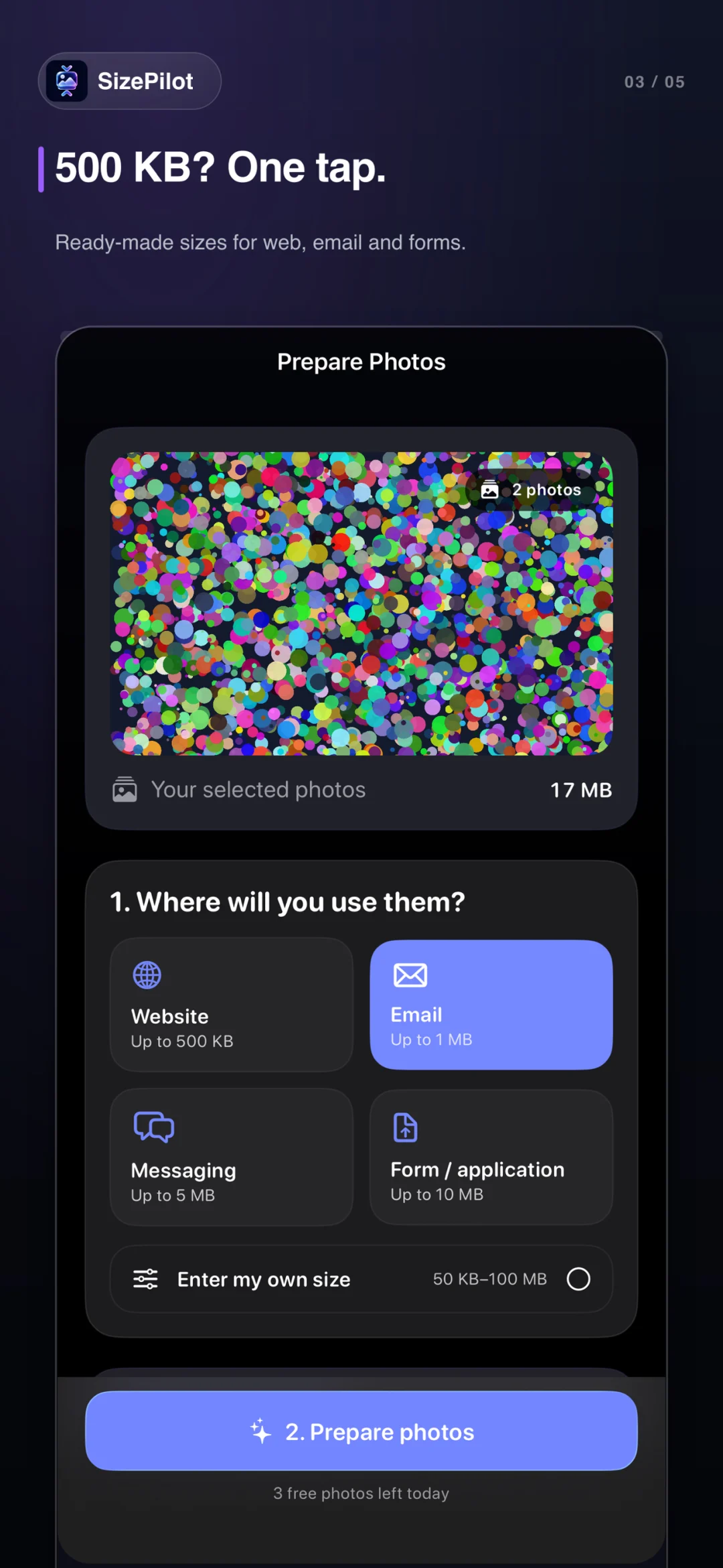
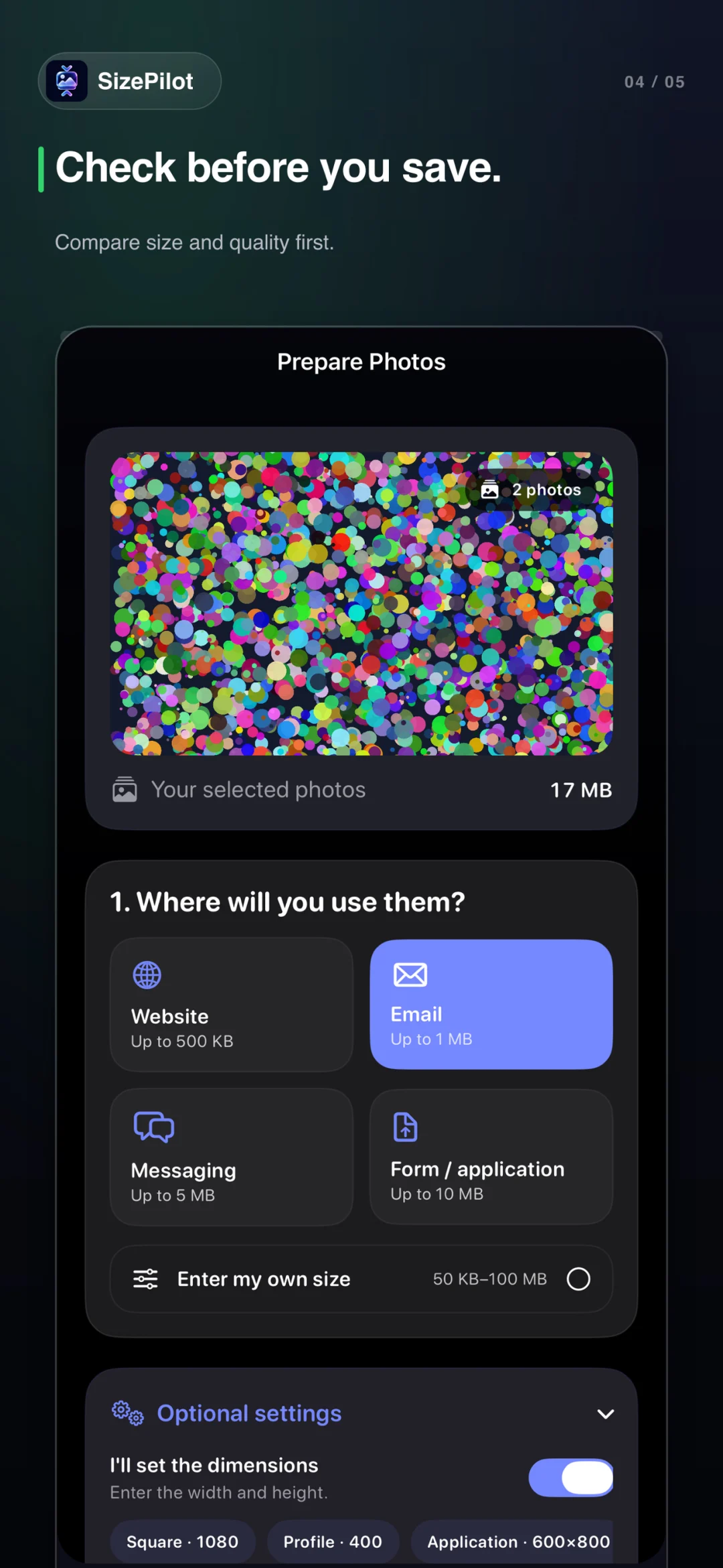
Photo compression and rule reading happen on your device. No account is required and original photos are never changed.
The free plan includes three successful compressions per day and may show ads. Optional Pro removes ads and the daily limit, and supports up to 100 photos together in the main app.
Your photos, exactly the size you need