
Built-in music player
Choose audio files on your phone and play them in the app.
 Music & audioFor Android
Make your music sound like you
Play audio files, adjust volume and shape the bass. Start with a sound preset or fine-tune your own settings.
Get it on Google Play Take a closer look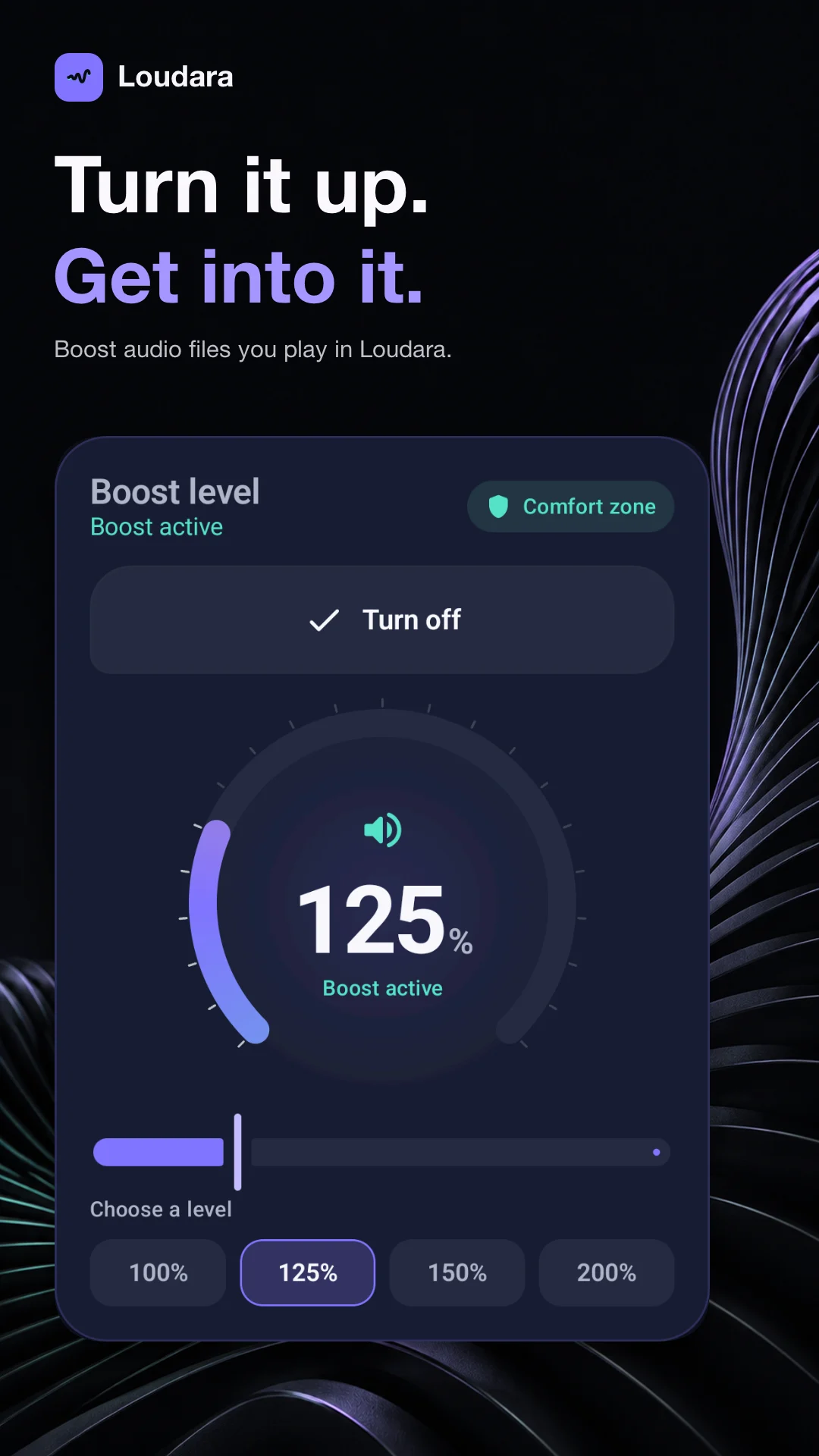
Open an audio file on your phone. Adjust the bass, vocals and volume for what you’re listening to, and find the sound you like.
Choose audio files on your phone and play them in the app.
Adjust volume and bass to suit your listening.
Shape the sound across five frequency bands.
Start with a profile and make it your own.
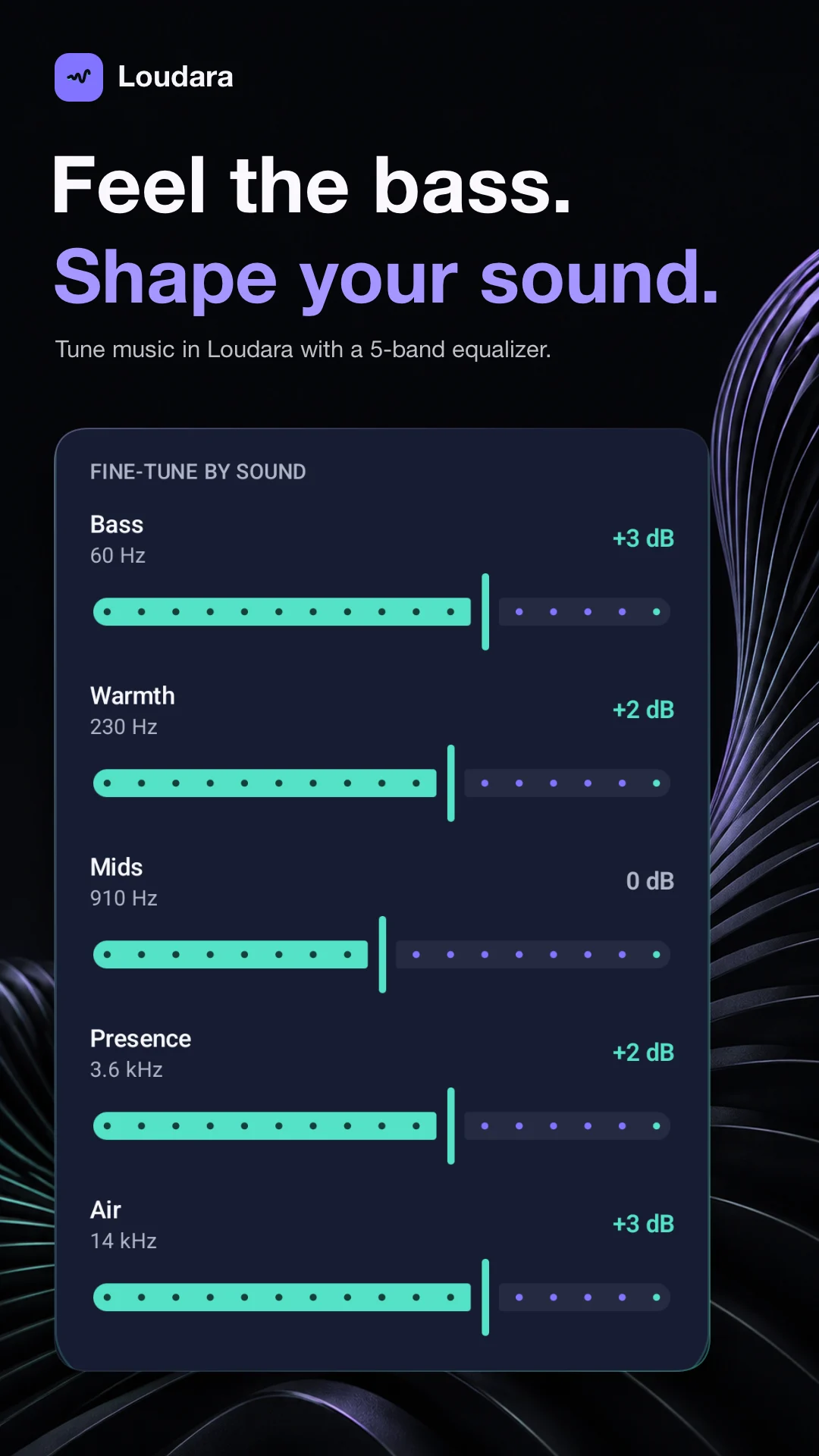
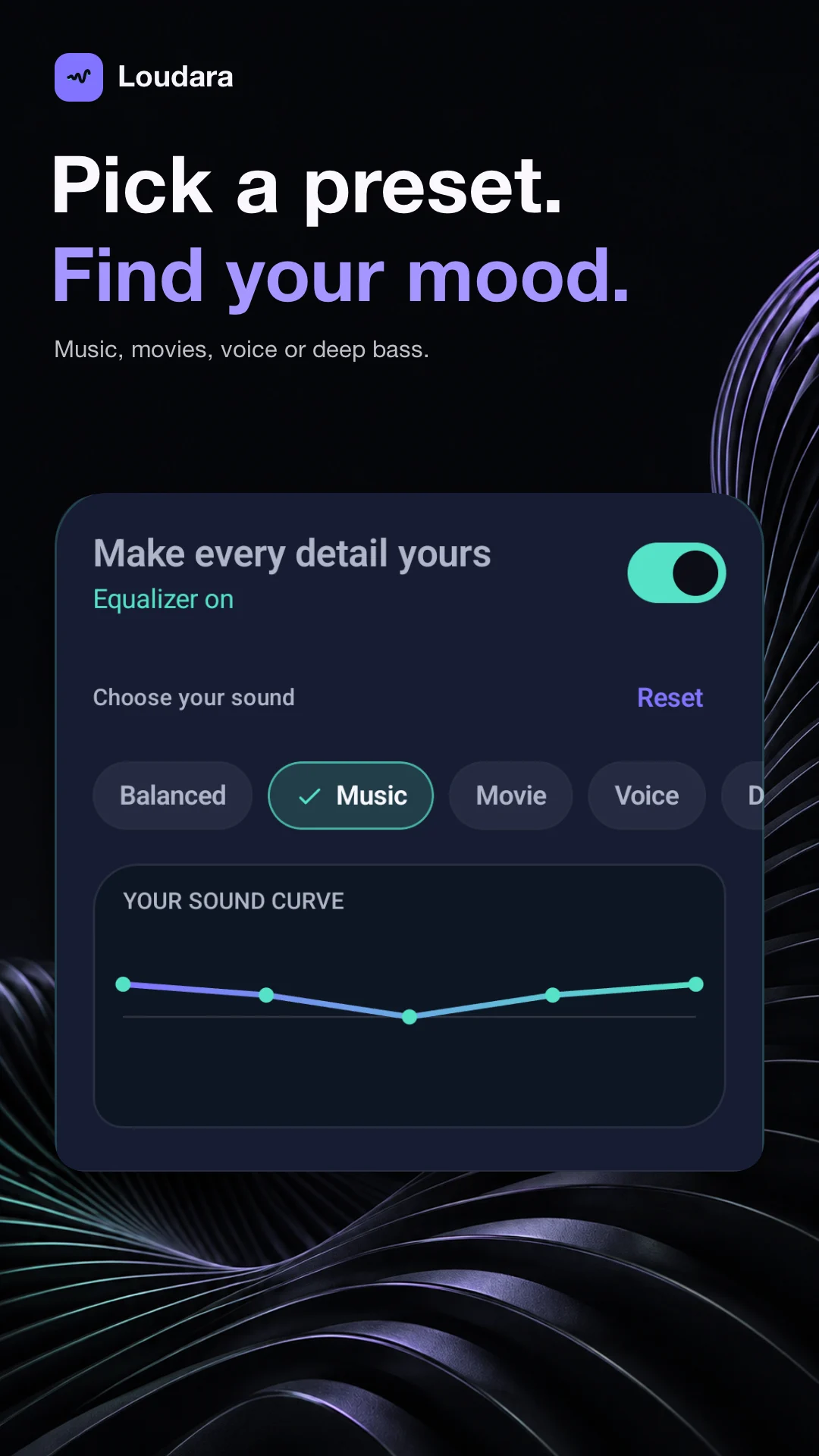
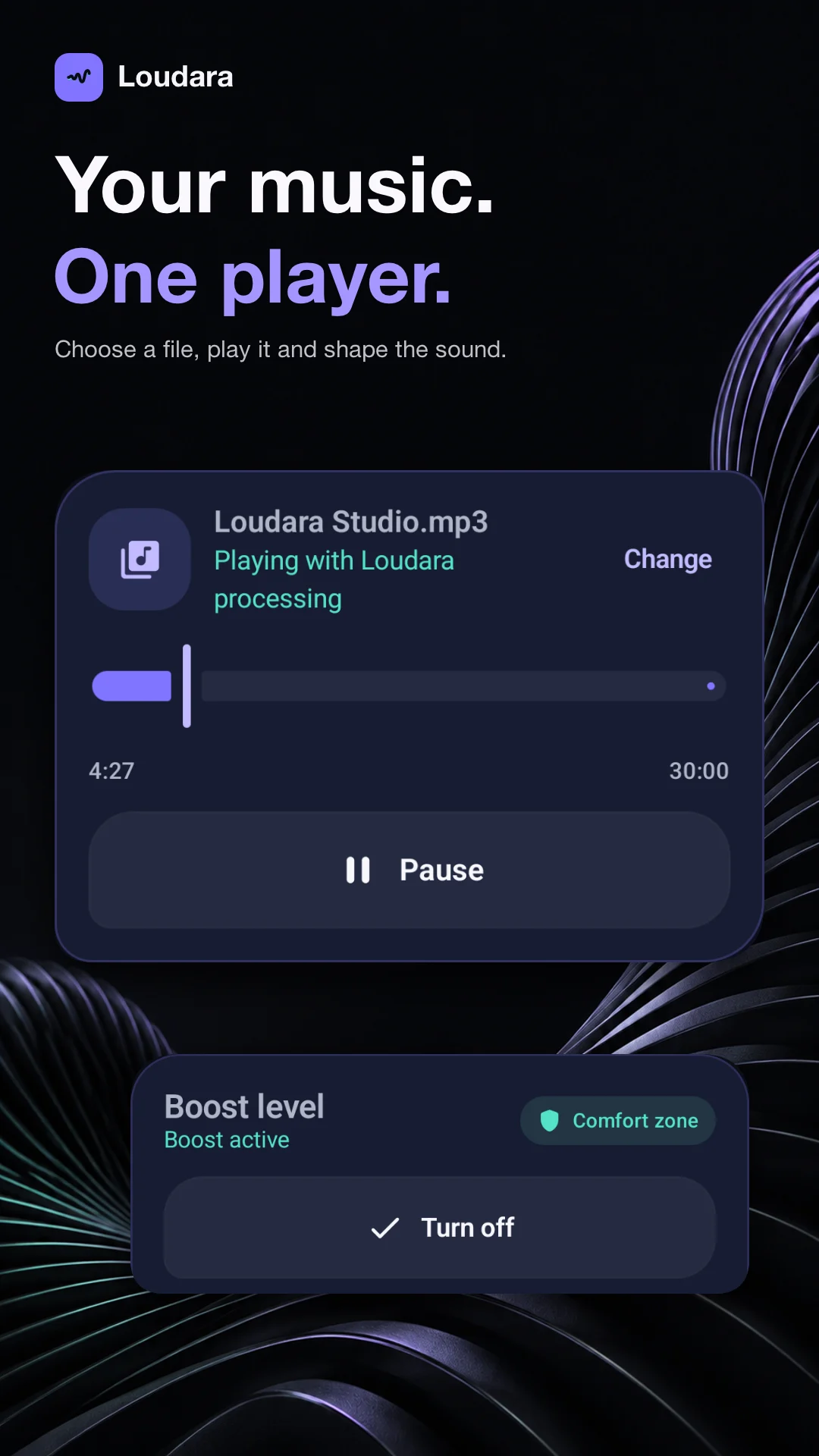
Volume and equalizer adjustments apply to files played inside the app.
Audio adjustments work most reliably with files played inside Loudara. Support for other apps varies by device.
Make your music sound like you